Default Reports
The default report is the one that will open when you initially open the page. Two different defaults can be set - your individual default, or a company default set by an account manager. Your individual default will always trump the company default for your view, but both will be identified in the report dropdown.
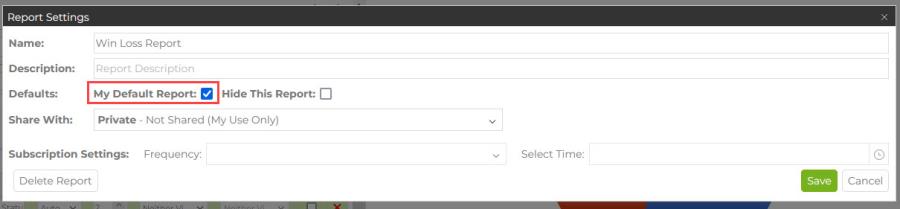
Reports in the My Reports and C2P Reports sections can be added as your Default Report, but not as the Company Default. Click the settings gear to open the report settings and check the box to make it your default. If you had a previous default, it will be removed with this action.
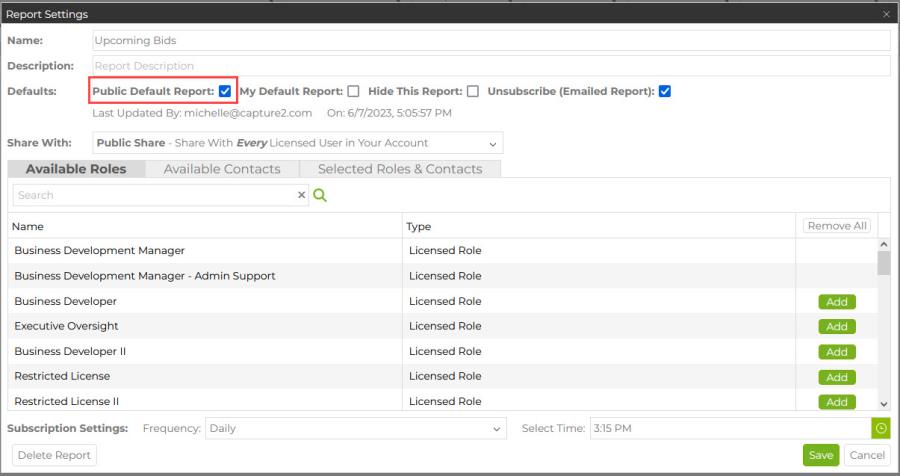
Any manager of a shared report will see the option to make the report the public (company) default in the settings section for the shared report. You can set a shared report to be your default report even if it is not the company default.
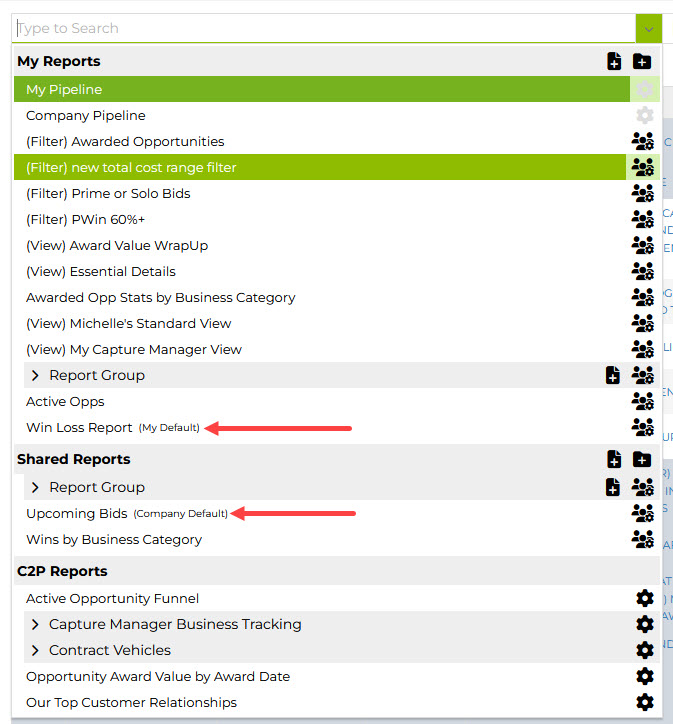
In the drop down, you will see the default indicator next to any defaults in the list, so that you can quickly check which reports are your defaults when making decisions about what to view, or whether to change the default setting.
If no defaults are set at the individual or company level then Company Pipeline will become your default report.